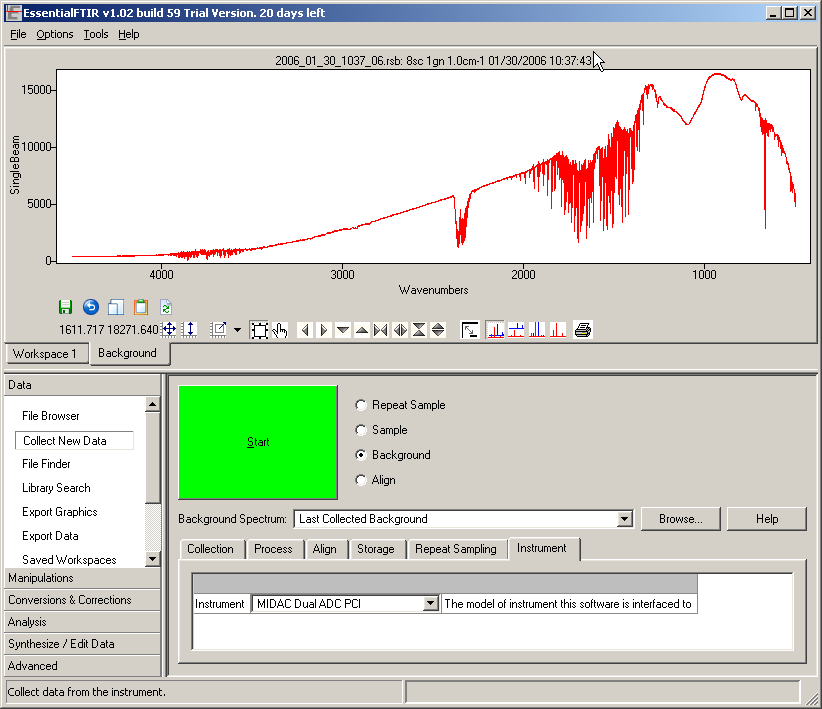
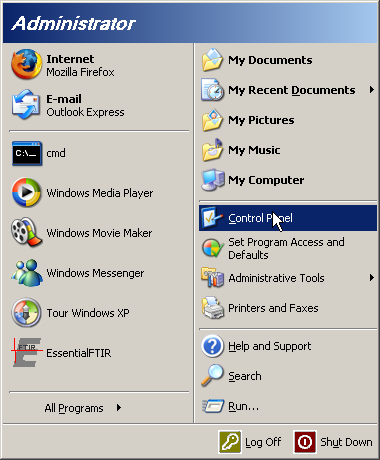
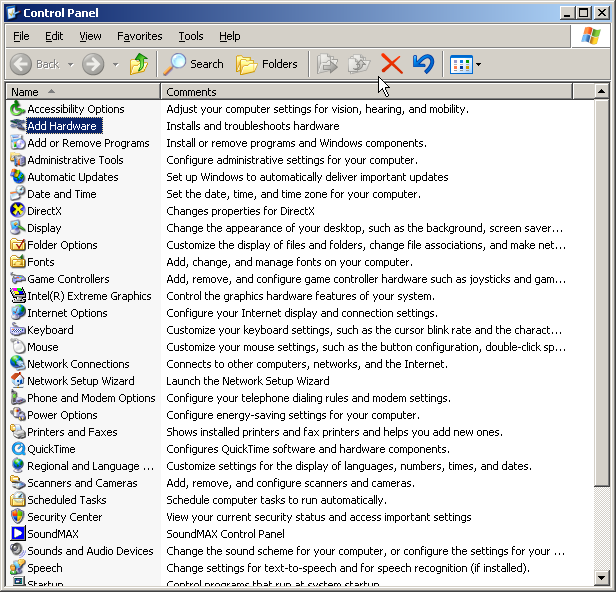
Midac FTIR Device Driver Installation.
- Run the setup_midac_drivers.exe program.
The device drivers and the setup program are a product of Midac Corporation. The device driver should be included with your instrument, but you should contact Midac Corporation to obtain them if needed.
Note: This setup program just copies the drivers to the hard drive. It does not actually install the device driver in the operating system. The rest of this page explains how to do that.
The drivers are copied into the 'C:\Program Files\Autoquant4\drivers' directory. If you do not have AutoQuant that is OK, and nothing bad will happen. The drivers do not require AutoQuant to be installed. This directory location is used because the same drivers are shared between AutoQuant and other programs. This common location is used in order to avoid potential conflicts when multiple software packages are installed.
- Turn off the computer.
- Insert the PCI or PCMCIA board.
- Connect the ribbon cable between the PCI or PCMCIA board and the FTIR spectrometer.
- Turn the spectrometer on.
- Turn computer on.
- The Windows operating system should detect the new hardware and display the 'Add New Hardware' wizard.
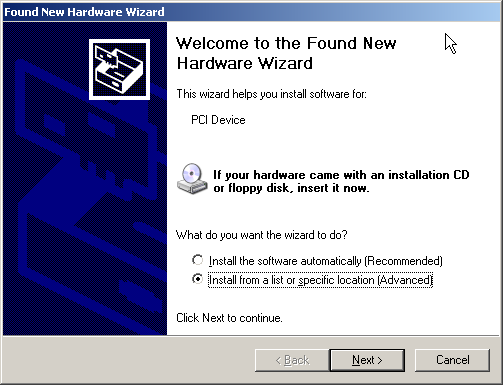
If the wizard does not start automatically, see How to start the hardware installation wizard.
- Make sure the 'Install From Specific Location' radio button is selected.
- Click 'Next' and this dialog will appear.
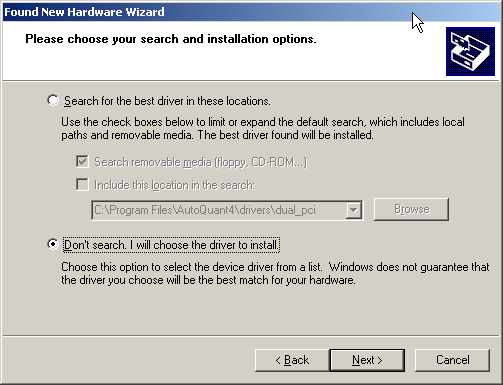
- Make sure the 'Don't search. I will choose the driver to install.
- Click 'Next' and this dialog will appear.
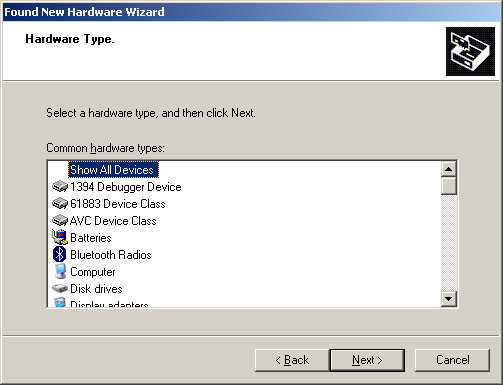
- Make sure that 'Show All Devices' is highlighted in the list.
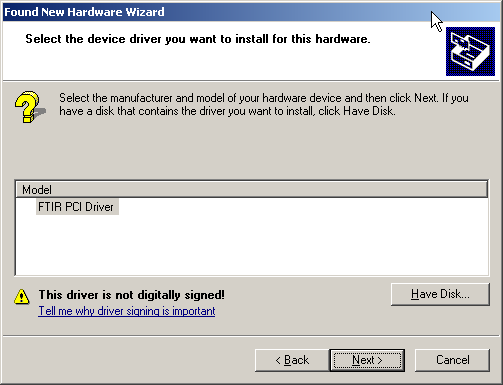
- Click 'Next' and this dialog will appear.
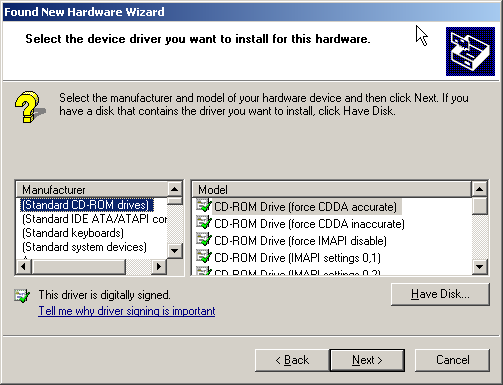
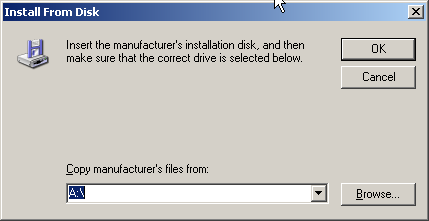
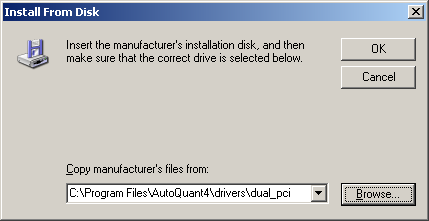
- Click the 'Have Disk' button and this dialog will appear.
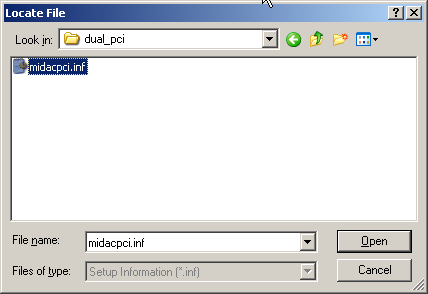
- Click the 'Browse' button and a standard Windows file selection dialog will appear.
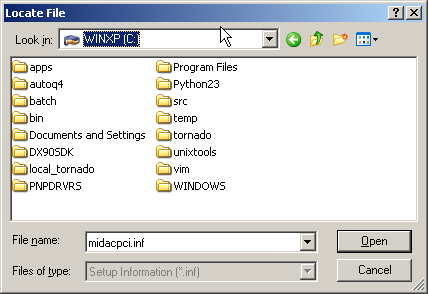
- Navigate to the directory that contains the driver appropriate for your instrument.
Instrument Driver Location Dual ADC PCI c:\Program Files\Autoquant4\drivers\dual_pci Dual ADC PCMCIA c:\Program Files\Autoquant4\drivers\dual_pcmcia Single ADC PCI c:\Program Files\Autoquant4\drivers\single_pci Single ADC PCMCIA c:\Program Files\Autoquant4\drivers\single_pcmcia Legacy Single ADC PCMCIA c:\Program Files\Autoquant4\drivers\legacy_pcmcia